

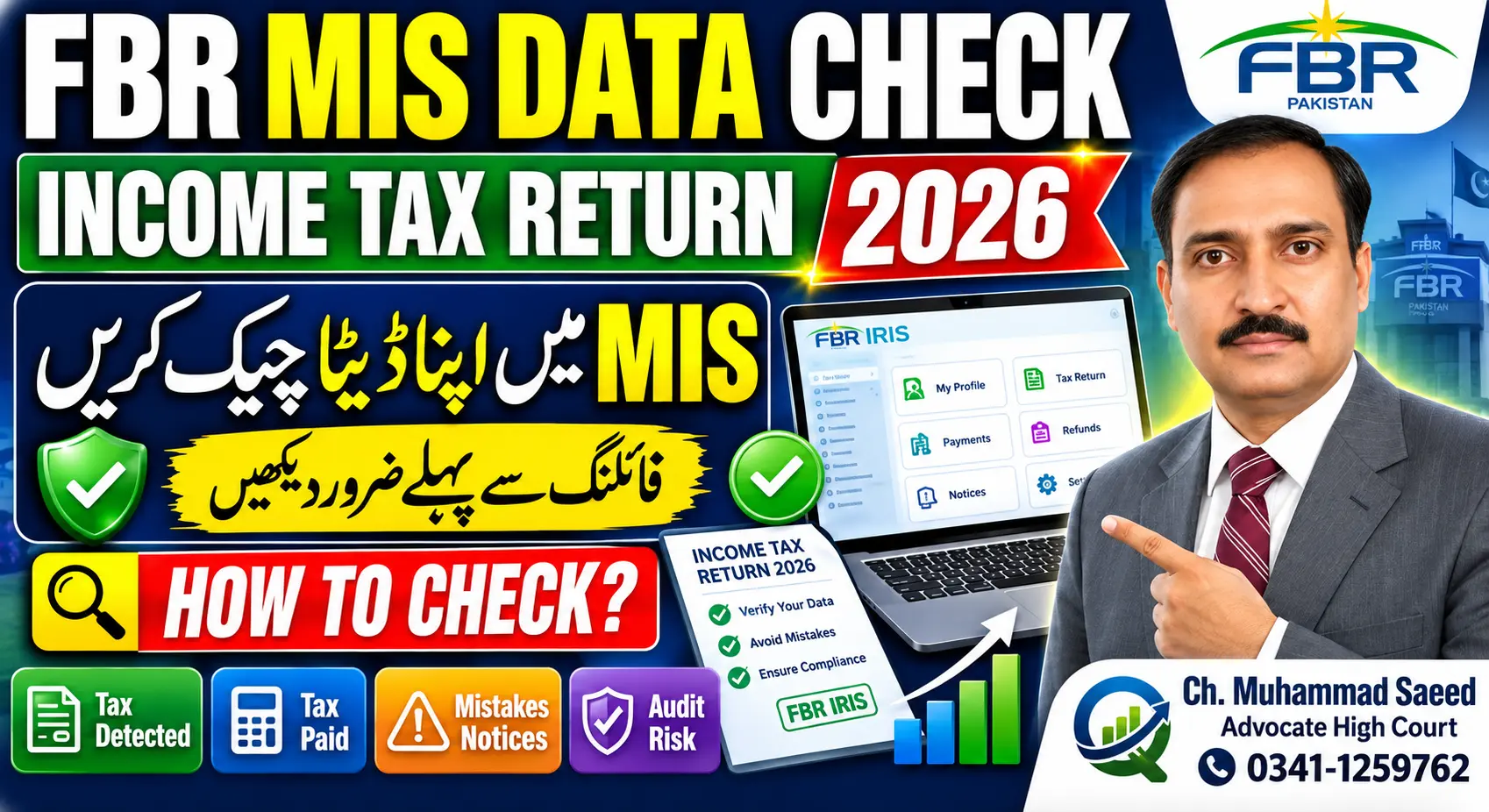
Filing your annual income tax return in Pakistan requires thorough verification of the financial records maintained by the Federal Board of Revenue (FBR). Before submitting your 2026 income tax return on the Iris portal, taxpayers must perform one critical task to safeguard themselves against potential tax audits and legal complications.
The FBR automatically tracks various tax deductions made under your name throughout the tax year. Failing to declare these pre-recorded details in your tax return can lead to discrepancies, resulting in audit selection or future legal notices. By accessing and reviewing your tax deduction records on the Iris portal before filing, you can accurately report all income sources, reconcile them with your bank statements, and ensure a seamless, error-free tax return submission.
Accessing Your Tax Deduction Records on the Iris Portal
To begin the verification process, taxpayers need to retrieve their recorded tax deductions directly from the FBR system.
Step-by-Step Navigation in FBR Iris
- Log In: Access the official FBR Iris portal by entering your registered Login ID, Password, and the displayed Captcha code.
- Navigate to MIS: Locate and click on the MIS option from the dashboard.
- Open Information Center: From the MIS menu, select Information Center.
- Select Payment Details: Click on Payment Details to access the tax deduction search tool.
Setting the Tax Period
To review data relevant to the 2026 tax return, select the exact start date for the corresponding tax year:
- Start Date: July 1, 2025.
- Closing Date: You may enter a closing date or leave it open before clicking Search.
Once searched, the portal will display all tax deductions held by the FBR that were deposited under your credentials throughout the year.
Types of Tax Deductions Displayed in FBR Records
The Information Center consolidates various tax deductions collected by financial institutions, service providers, and business entities. Common entries include:
- Banking & Financial Transactions: Withholding tax on bank profit and various banking transactions.
- Foreign Payments: Deductions on inward remittances received.
- E-Commerce & Courier Services: Tax deducted under Section 153(2A) at a rate of 2% on cash-on-delivery payments processed through courier services (e.g., Leopard) for e-commerce transactions.
- Export Services: Tax deductions applicable to computer IT service exports.
- Property Transactions:
- Sale of immovable property recorded under Section 236C.
- Purchase of immovable property recorded under Section 236K.
- Utility & Payment Cards: Tax deductions applied to internet bills (such as services from Nayatel or Transworld) and purchases made using debit cards.
Exporting and Formatting Data in Excel
To effectively organize and analyze this information, you should download the details into an Excel spreadsheet.
Data Cleaning and Formatting Steps
- Download & Enable Editing: Save the statement from Iris and enable editing in Excel.
- Hide Sensitive Data: Hide confidential columns if necessary.
- Convert Text to Numbers: Select the columns containing the Taxable Amount and Paid Amount, click the warning icon, and choose Convert to Number to correct formatting.
- Apply Filters: Press
Control + Shift + Lto enable data filters. - Sort by Section: Filter or sort the Section column alphabetically (A to Z) to group identical tax deduction types together.
Sorting by section cleanly categorizes your tax deductions—separating IT export deductions, courier service withholding taxes, bank profit taxes, and property transactions.
Reconciling Iris Data with Bank Statements
A crucial phase of this process is cross-verifying the data retrieved from the FBR Iris portal with your actual bank statements.
+------------------------------------+---------------------------------------+--------------------------------------+
| Deduction Category                 | FBR Iris Record                       | Bank Statement / Proof               |
+------------------------------------+---------------------------------------+--------------------------------------+
| Export IT Services                 | Matched transaction total             | Inward Telex Payments (e.g., 12M)    |
| Export Tax Deductions              | Matched tax total                     | Expense Advance entry (e.g., 120k)   |
| Bank Profit Income                 | Matched profit total                  | Payment of Profit entry              |
| Bank Profit Tax                    | Matched withholding tax               | Withholding Tax entry                |
| E-Commerce Cash-on-Delivery (COD)  | Section 153(2A) 2% deduction          | Courier Payout records               |
| Real Estate (Sale / Purchase)      | Section 236C (Sale) / 236K (Purchase) | Property transaction records         |
+------------------------------------+---------------------------------------+--------------------------------------+
Practical Verification Examples
- IT Export Earnings: If your bank statement shows Inward Telex Payments totaling PKR 12 million and corresponding tax deductions labeled as Expense Advance totaling PKR 120,000, verify that these numbers align with your Iris download.
- Bank Profit: Compare Payment of Profit entries on your bank statement (e.g., PKR 563,995 or 563,993) and the associated Withholding Tax (e.g., PKR 127,279) against the FBR records. Minor differences of a few rupees may exist, but core figures should match.
- Courier Payouts: Ensure that the 2% tax deducted on e-commerce payouts received from courier services matches both your portal data and bank credits.
Why Incorporating This Data is Mandatory
Every financial transaction and tax deduction shown in the Iris Information Center is already within the FBR’s knowledge.
- Declare All Recorded Income: Any property purchases or sales (Sections 236K and 236C), bank profit, e-commerce revenues, or export earnings appearing on the portal must be explicitly declared in your income tax return.
- Avoid Tax Audits: Omitting or ignoring pre-recorded data creates immediate discrepancies in the FBR system, which significantly increases the risk of being selected for a tax audit.
- Ensure Accuracy: Reconciling FBR data with bank statements ensures your declared income and paid taxes are completely accurate, eliminating future compliance issues.
Frequently Asked Questions
Question: What is the main task to complete before filing the 2026 income tax return?
Answer: You must log into the FBR Iris portal, navigate to the Information Center under MIS, select Payment Details for the period starting July 1, 2025, and review all tax deductions recorded in your name by the FBR.
Question: Which FBR sections apply to property purchases and sales in the portal records?
Answer: Tax deductions on the sale of immovable property are recorded under Section 236C, while deductions on the purchase of immovable property are recorded under Section 236K.
Question: How are e-commerce courier deductions reflected in FBR records?
Answer: Tax deducted on cash-on-delivery payouts processed through courier services (such as Leopard) is recorded under Section 153(2A) at a rate of 2%.
Question: Why should I download and filter the payment details in Excel?
Answer: Downloading the data in Excel allows you to convert text entries into numerical values and sort by the Section column (A to Z). This categorizes similar tax deductions together, making it easier to calculate totals and cross-verify them with your bank statements.
Question: What happens if I forget to declare information shown in the Iris Information Center?
Answer: Because the FBR already possesses this data, failing to incorporate it into your income tax return will create discrepancies, increasing the chances of an audit and leading to potential legal problems in the future.
Conclusion
Before submitting your 2026 income tax return, taking the time to extract, format, and reconcile your FBR Payment Details from the Iris portal is an indispensable step. Verifying that your bank profit, IT export receipts, e-commerce payouts, property transactions, and utility tax deductions match both your bank statements and portal records guarantees full compliance. Incorporating all FBR-tracked data into your return eliminates discrepancies, lowers the risk of audits, and protects you from future tax complications.
For further insights on Pakistani tax filing, property transactions, and legal compliance, feel free to explore our related articles, leave your questions in the comments section below, and subscribe for regular updates.
Professional Contact Information
Ch. Muhammad Saeed, Advocate High Court Senior Member High Court Bar Association Lahore
Association Team Includes:
- Lawyers
- Chartered Accountants
- Computer Engineers
- AI Experts
Services Provided:
- All legal matters regarding property disputes
- Income Tax & Sales Tax
- Company Registration & SECP Matters
- NTN Registration
- Refund Claims & FBR Matters
Contact Details:
- Phone: 0341-1259762
- Email: msaeedadv86@gmail.com